
2024 Scrapbook Albums: Finishing Touches and Cover Designs
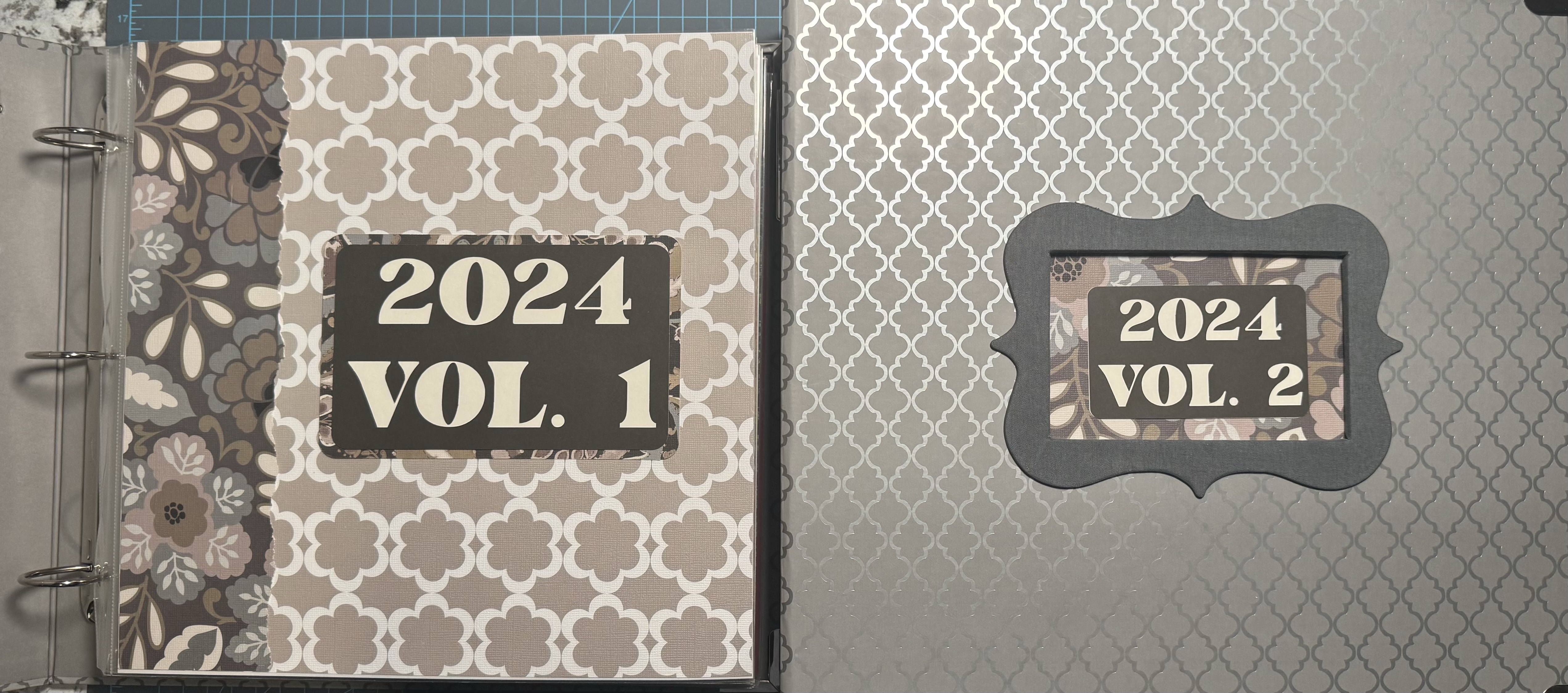
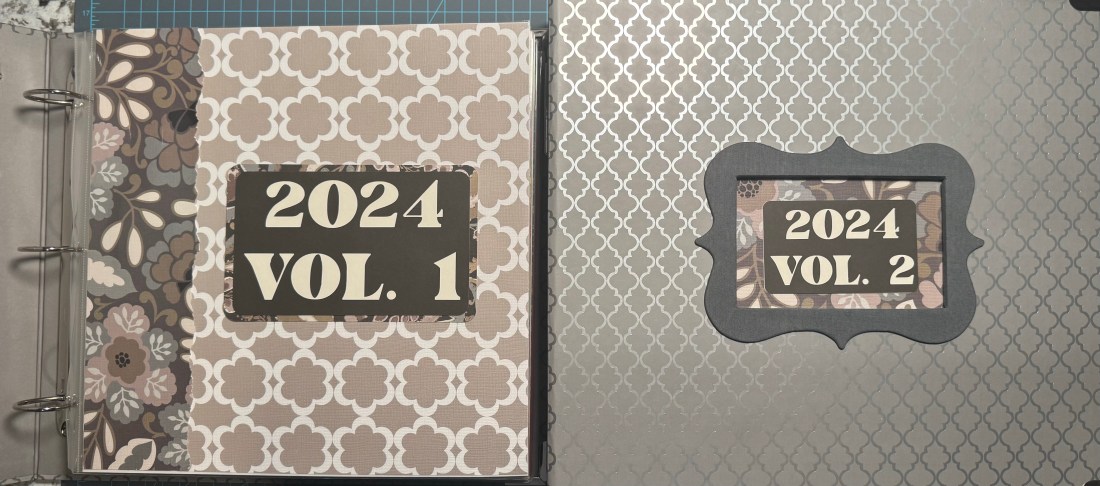
After quite a bit of work, I have finally finished my 2024 scrapbook albums! This is always an exciting moment for me because it means another year of memories has been documented and preserved. Of course, finishing the scrapbook pages is only part of the process. I still need to put together the album covers, title pages, and spine labels so that everything looks coordinated.
For 2024, I ended up with two volumes. Rather than simply putting the completed pages into albums and calling it done, I like to create a coordinated design that ties the volumes together.
Creating a Coordinated Album Design
One of the things I like to do when completing an annual scrapbook is create a consistent design for the different parts of the album. This includes the front cover, the spine label, and the opening title page inside the album.
For my 2024 albums, I designed all these elements using Cricut Design Space and cut them with my Cricut Maker. I wanted the two volumes to look like they belonged together, so I used the same overall design while changing the volume numbers.
The front covers have a window-style opening that displays the decorative cover design underneath. I also created matching inserts for the album spines, making it easy to identify the year and volume when the albums are sitting on a shelf.
Finally, the title pages inside each album carry through the same design elements. I really like the way this makes the entire project feel complete.
I generally wait until the end of the year, or in this case until I have finished scrapbooking the year, before designing these pieces. By that point, I have a better sense of the overall look of the albums and can create something that complements the pages inside.
Keeping the Title Pages Simple
Although I enjoy creating detailed scrapbook spreads, I tend to take a simpler approach to my album title pages. I don’t want the opening page to be too busy or confusing. Its purpose is to introduce the album and encourage someone to turn the page and start exploring the memories inside.
For these title pages, I used a relatively simple design with layered cardstock and decorative torn-edge borders. I created the torn edges using one of my favorite Creative Memories tools. I have used this tool for years, and it is still one of the items I reach for regularly when working on scrapbook layouts. The torn edges add just enough texture and interest without overwhelming the page.
I also wanted to make sure that the designs were positioned consistently on both title pages. Since the albums are part of the same year, I wanted them to look as similar as possible, apart from the volume numbers.
Another Year of Memories Preserved
I have to admit that I am a little farther behind with my scrapbooking than I would like to be. My goal is usually to stay less than a year behind, but life has a way of interfering with even the best plans!
Still, there is something wonderful about finally completing an entire year of scrapbooking. Looking at these two finished volumes, I can see all the experiences, travels, family gatherings, and everyday moments that made up 2024.
For those of you who create annual scrapbook albums, I would encourage you to think about how your covers, spine labels, and title pages can work together. It doesn’t have to be complicated, and you certainly don’t need an elaborate design. Sometimes a few coordinated elements are enough to give your albums a professional, finished look.
So there we have it. My 2024 scrapbook albums are officially complete!
Now I just need to get caught up on 2025 and 2026!
I hope you enjoy watching the video as I put the finishing touches on these albums where you can see how I put all of the pieces together.
Categories: 2024

